
ColdBlue Updates, Milestones & New Things
- Posted in Design
- Comments 0
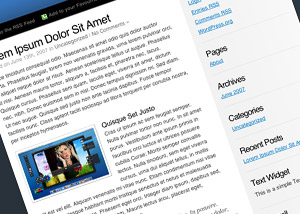
I’ve recently implemented a couple of updates to the ColdBlue WordPress Theme, which includes (finally) irradiating the annoying font size issues in IE, for good. Head over to the ColdBlue Page for more details and the download link. Upgrading is highly recommended, and is just a matter of overwriting your old theme files.
On a slightly related note, I’ve also written some guidelines for those of you who wish to share the theme with others. Many people have been uploading the zip file to their own web space and hosting it as such. While I do appreciate this venture, it does not allow me to track the number of downloads, nor ensure that only the very latest version is distributed. I would prefer a link to the ColdBlue page http://webrevolutionary.com/coldblue and/or a direct link to the latest file itself http://webrevolutionary.com/ColdBlue_latest.zip
Also, yesterday was a record-breaking day of traffic, with over 2,000 unique visitors laying eyes on this blog, which is even more visits than I received when ColdBlue was mentioned on Smashing Magazine and WP Designer.
I’m currently working on (amongst a mountain of other work) a brand new design for this blog, which is looking pretty cool so far. Once this is released, I’ll be wrapping up the current design as a free, publicly available theme.
More posts to come. Peace.